
Employee Benefits Cost Allocation
€19.99
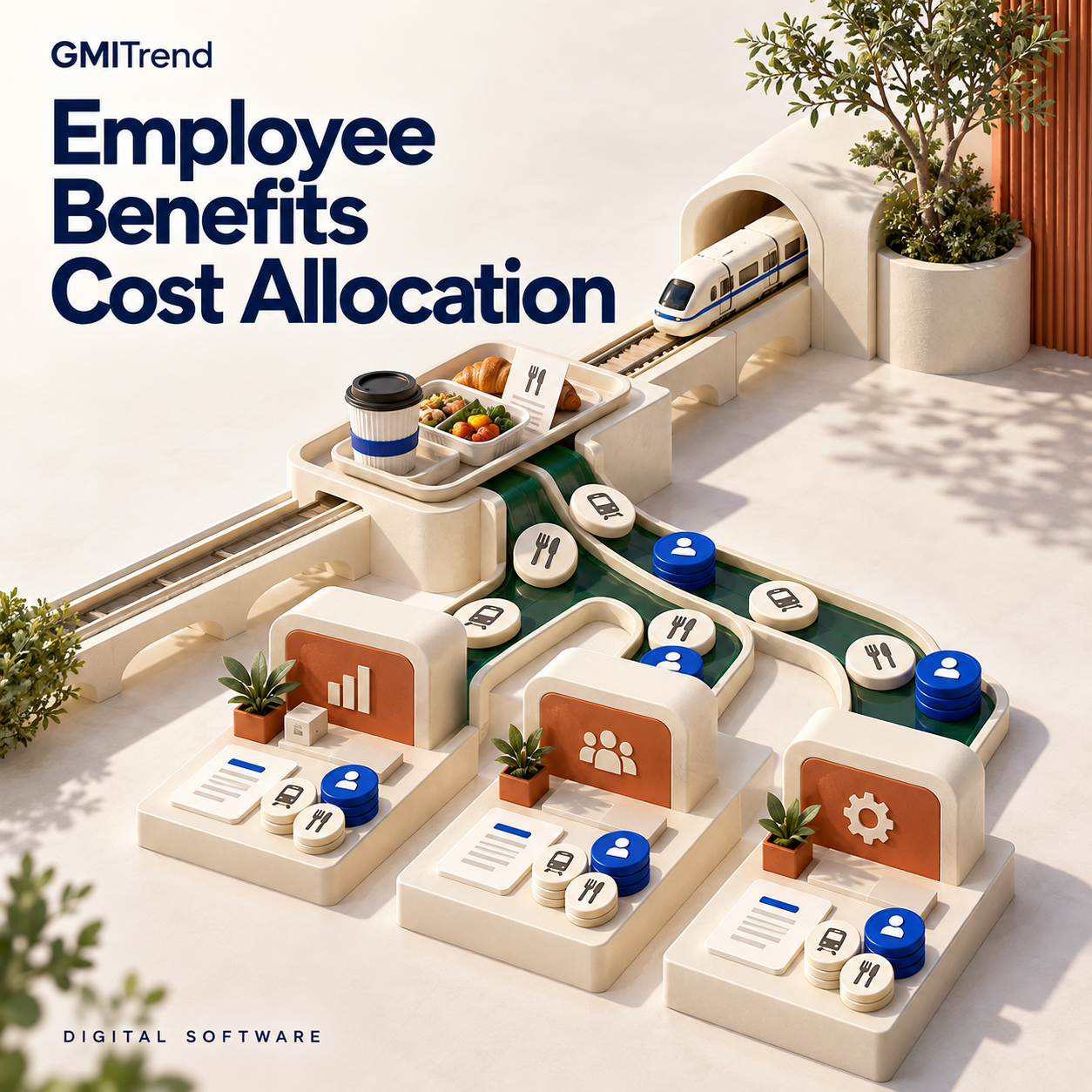
Explain how employee benefit invoices become departmental and employee costs. This application is designed to allocate meal, transport and similar benefit expenditure using the recorded eligible recipients and contribution arrangements. 12-month software licence purchased with a one-time payment. The purchase covers the stated licence term and does not create an automatically renewing subscription.
Explain how employee benefit invoices become departmental and employee costs. This application is designed to allocate meal, transport and similar benefit expenditure using the recorded eligible recipients and contribution arrangements.
Best suited to
Businesses allocating employee meal and transport benefit expenditure.
What you can manage
- Record benefit supplier invoices for the relevant period.
- Maintain the employees entitled to the recorded benefit.
- Allocate costs across the relevant business units.
- Account for employee contributions in the allocation.
- Prepare a period view of the resulting benefit cost.
A practical workflow
Review the supplier invoice and eligible recipient list together. Apply the recorded employee contribution and unit allocation basis, then examine the period cost before preparing the accounting treatment.
Why this workflow matters
Expense settlement benefits from a clear separation between the claimed amount, the accepted treatment and the recorded payment. Reviewing those stages together helps the business explain employee or client balances and identify exactly which evidence or decision remains outstanding before an expense account can be closed.
Working with your records
Check the supporting receipt, business purpose and applicable company policy before accepting an expense treatment. Review any allocation or employee balance against the relevant source records. Reimbursements and other payments are completed through the business's existing payment process; the software supports the preparation and reconciliation of the expense information.
Licence
12-month software licence purchased with a one-time payment. The purchase covers the stated licence term and does not create an automatically renewing subscription.
| Licence term | 12 months |
|---|
Related products
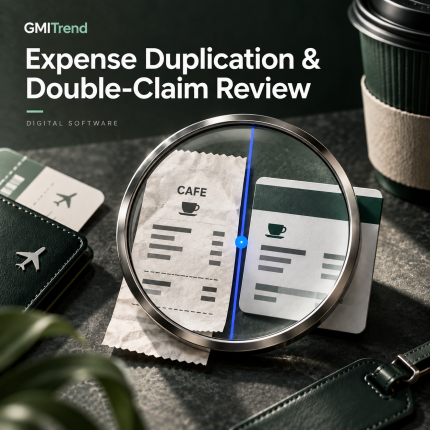
Expense Duplication & Double-Claim Review
Investigate expense claims that may refer to the same underlying purchase. This application is designed to compare receipt similarities, card activity and employee submissions before a reviewer decides whether duplicate reimbursement has occurred. 12-month software licence purchased with a one-time payment. The purchase covers the stated licence term and does not create an automatically renewing subscription.
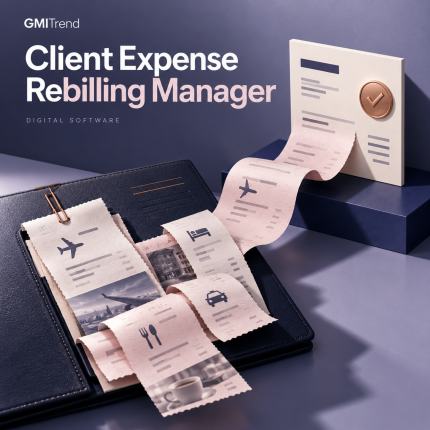
Client Expense Rebilling Manager
Prepare client-recoverable expenses from the terms of the engagement. This application is designed to keep expense evidence, rebilling rates and customer approval connected to the amount subsequently presented for invoicing. 12-month software licence purchased with a one-time payment. The purchase covers the stated licence term and does not create an automatically renewing subscription.

Employee Business Advance Manager
Follow employee business advances until the funds are fully accounted for. This application is designed to connect the request, payment and subsequent expense evidence while keeping open employee balances and closure dates visible. 12-month software licence purchased with a one-time payment. The purchase covers the stated licence term and does not create an automatically renewing subscription.
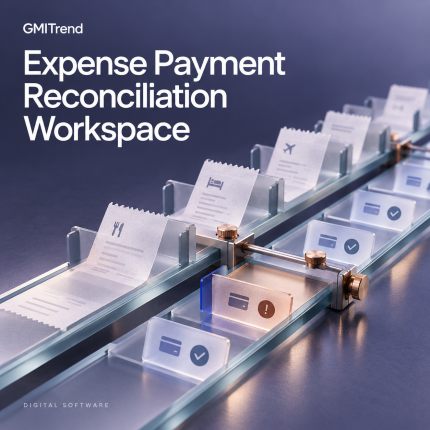
Expense Payment Reconciliation Workspace
Check whether approved employee expenses have actually been reimbursed. This workspace is designed to compare payment lists with recorded bank results and identify claims that remain unpaid, partially paid or incorrectly allocated. 12-month software licence purchased with a one-time payment. The purchase covers the stated licence term and does not create an automatically renewing subscription.
Reviews
There are no reviews yet.